


Elevate real estate appeal with virtual staging magic.
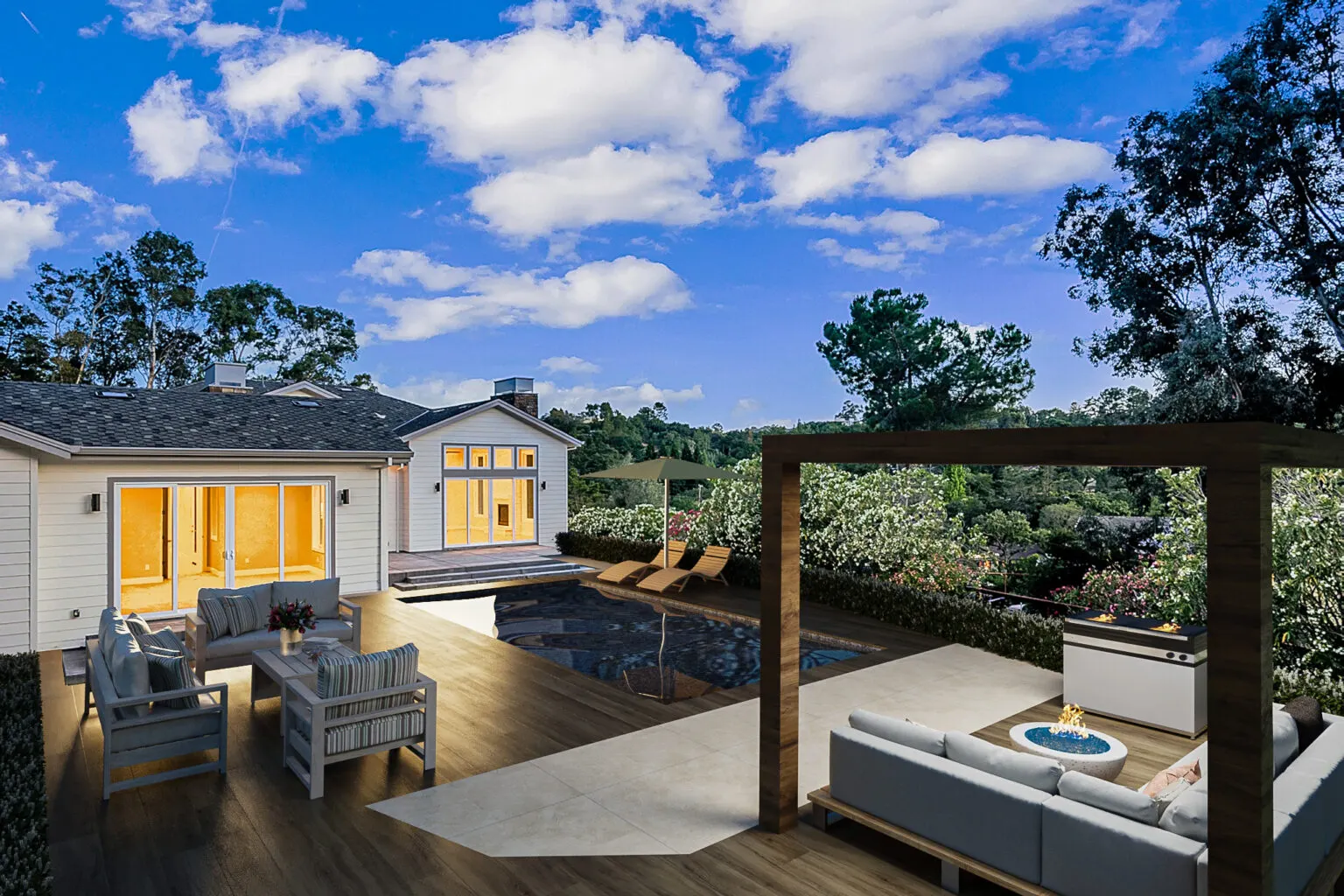
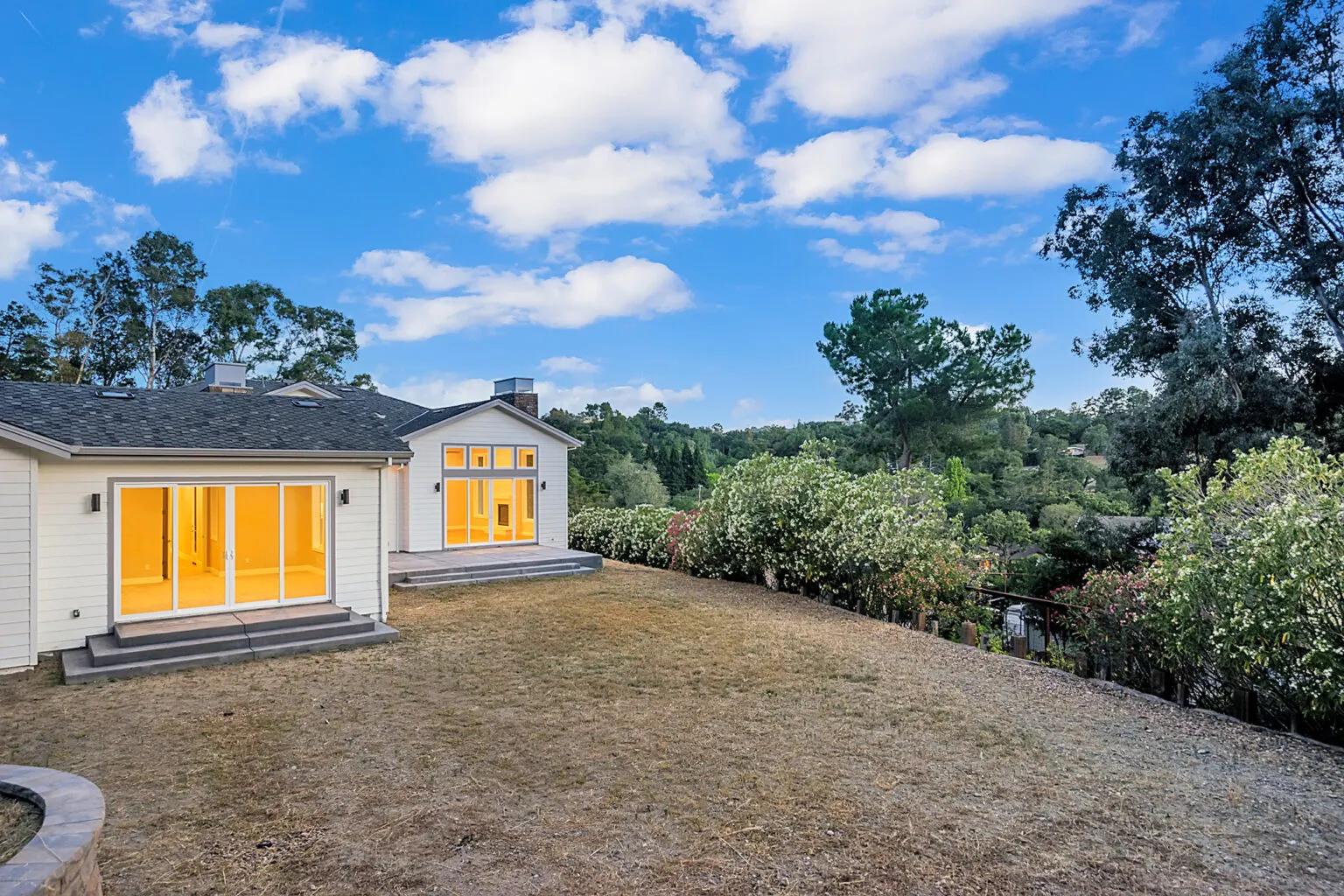
At Picondecors.com, our virtual staging experts use advanced techniques to enhance your property images. From replacing skies with mesmerizing dusk hues to meticulous lighting adjustments, we craft a visually stunning narrative, setting your listing apart with irresistible allure.
Our 10-step Virtual staging process
- Photo Analysis
- Virtual Furniture Integration
- Style Customization
- Lighting Harmony
- Shadow and Reflection Rendering
- Color Matching
- Detail Refinement
- Add gradient map for dusk colors.
- Blur background slightly for softness.
- Refine colors and check for consistency
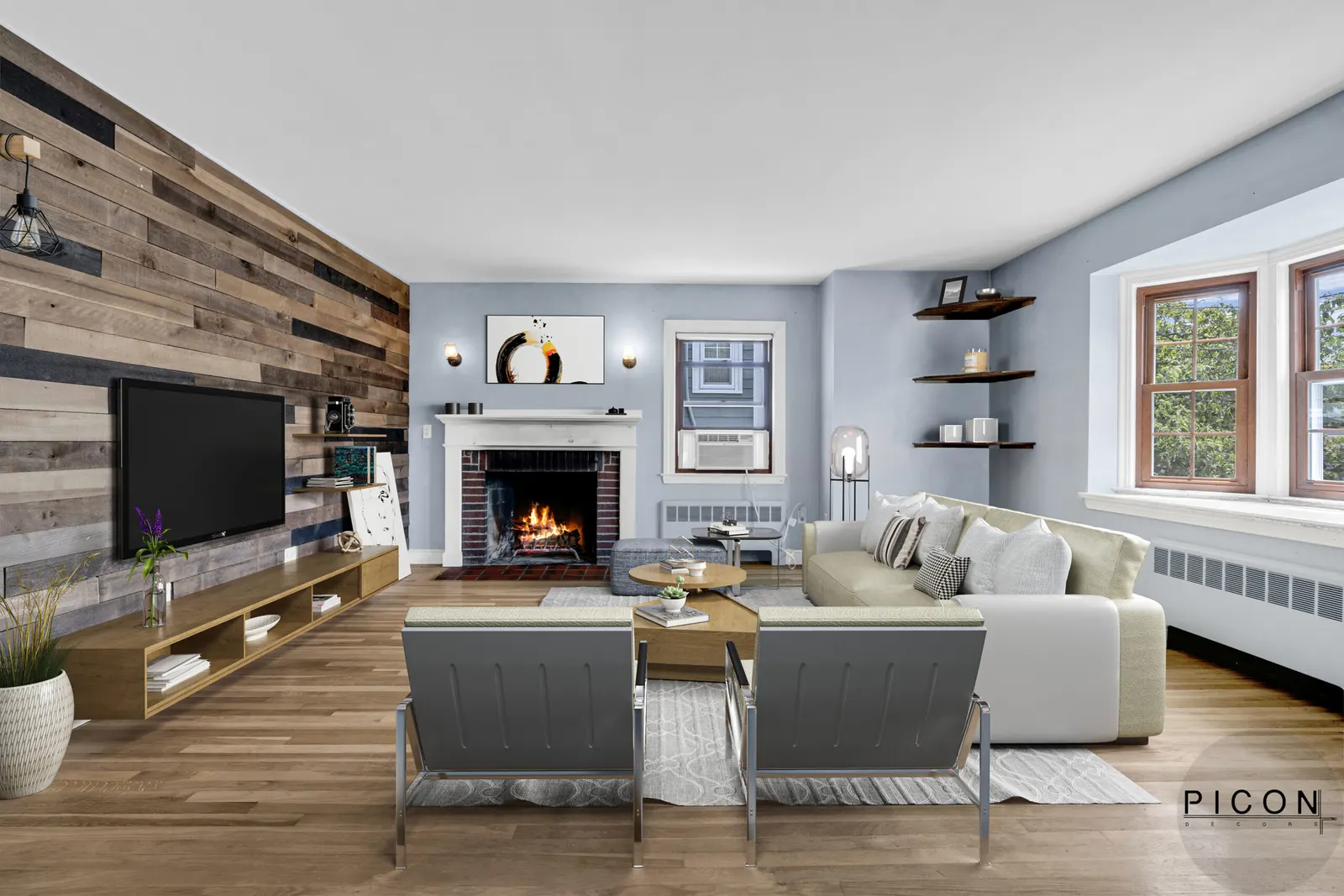
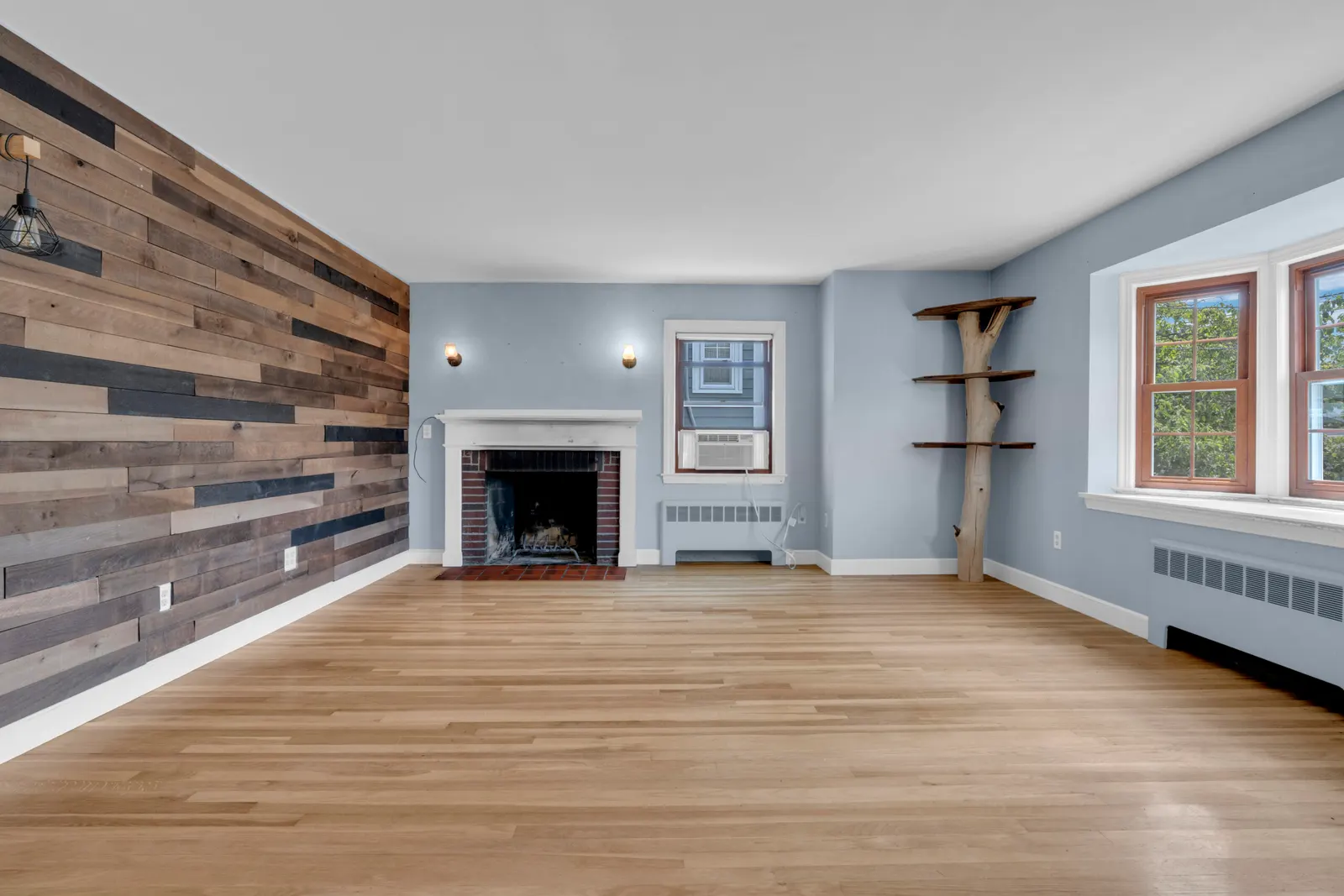
DIGITAL RENDERING
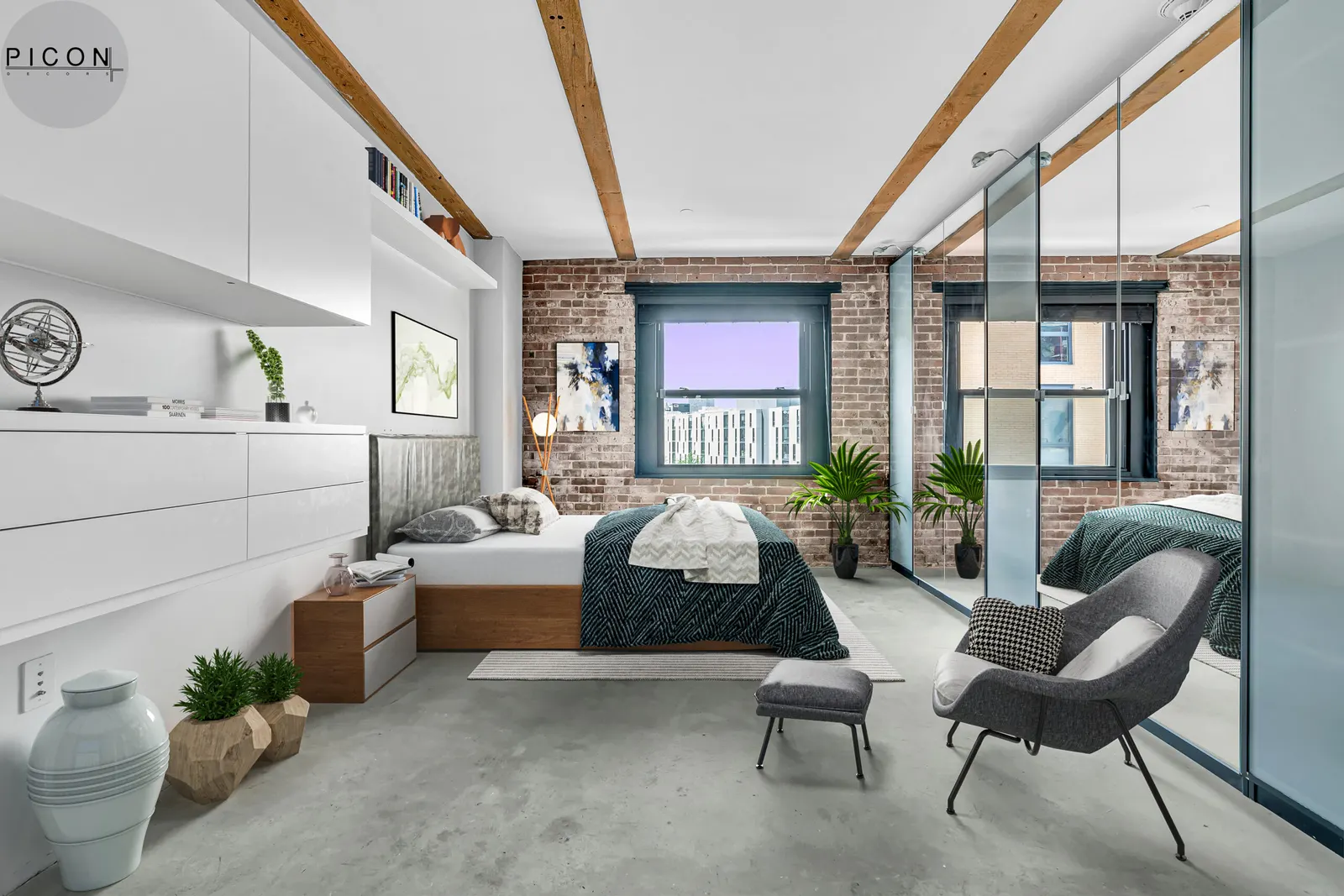
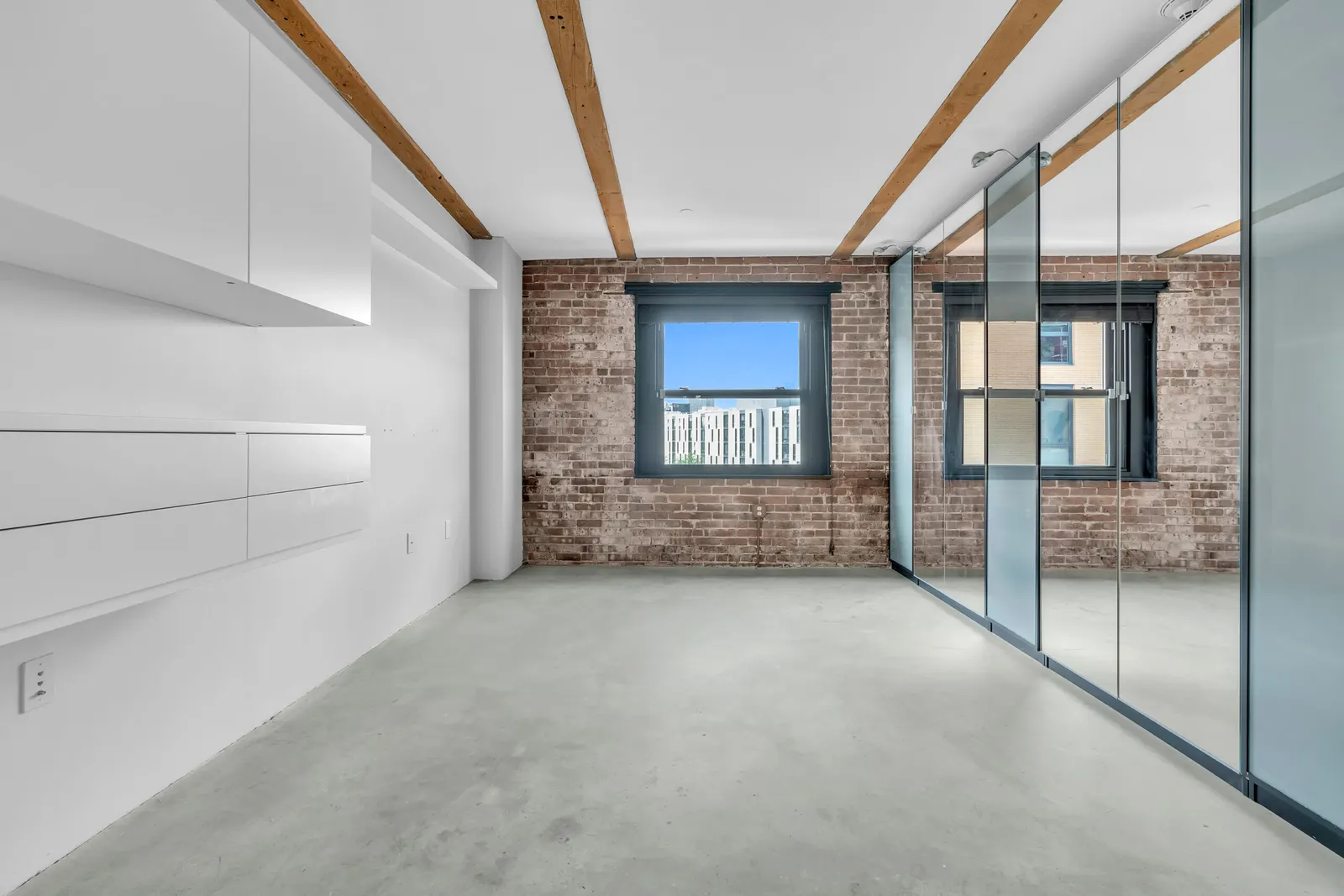
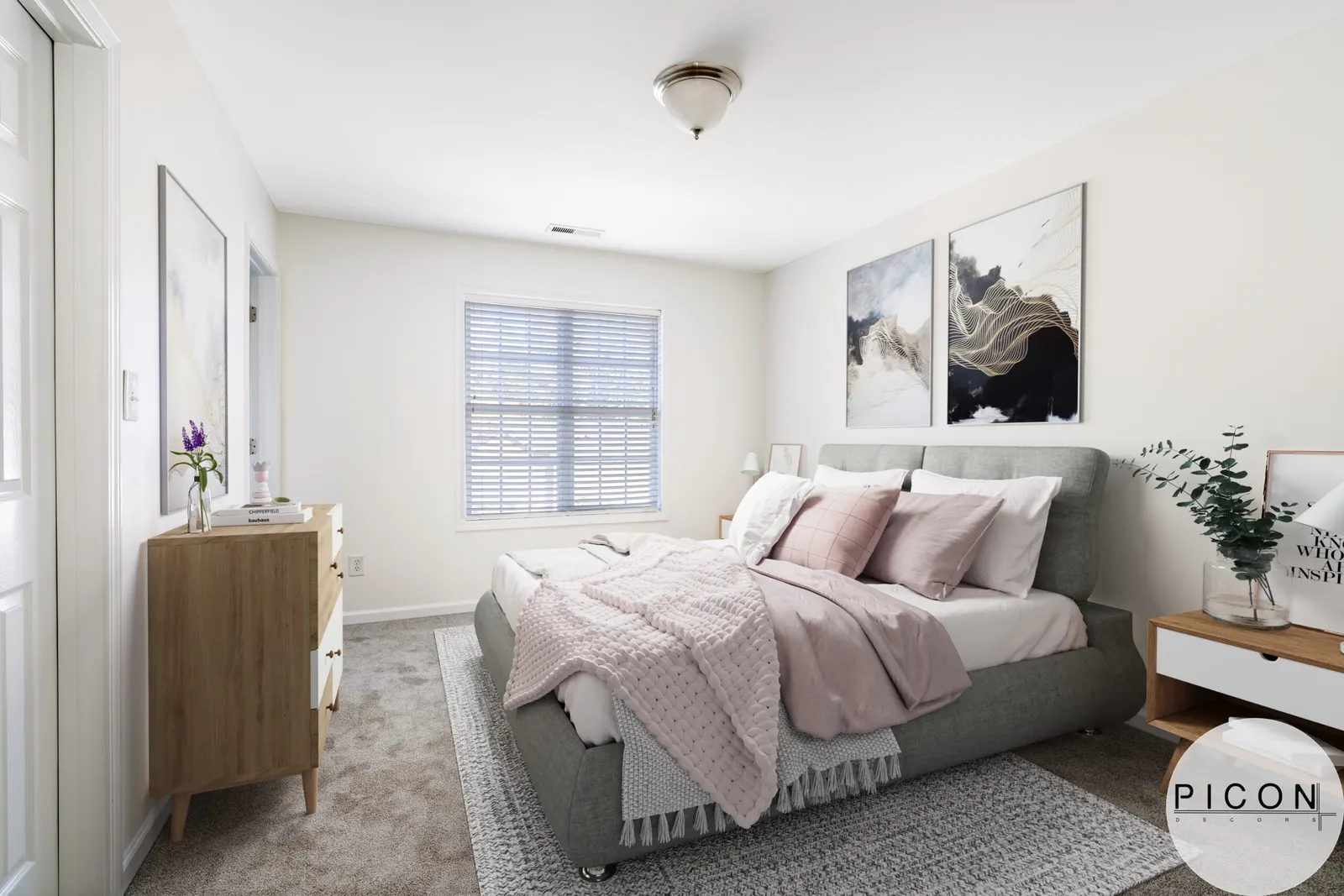
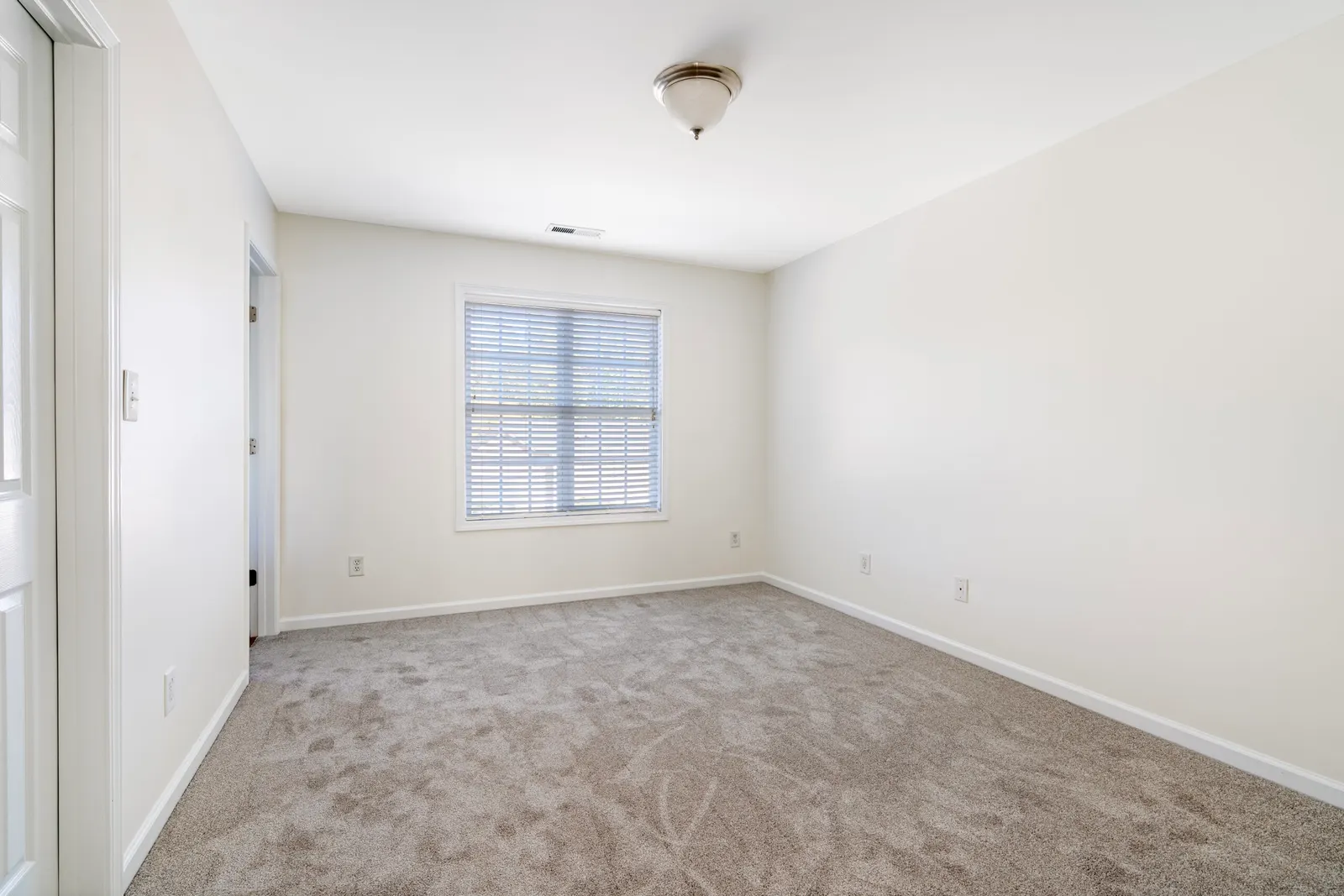
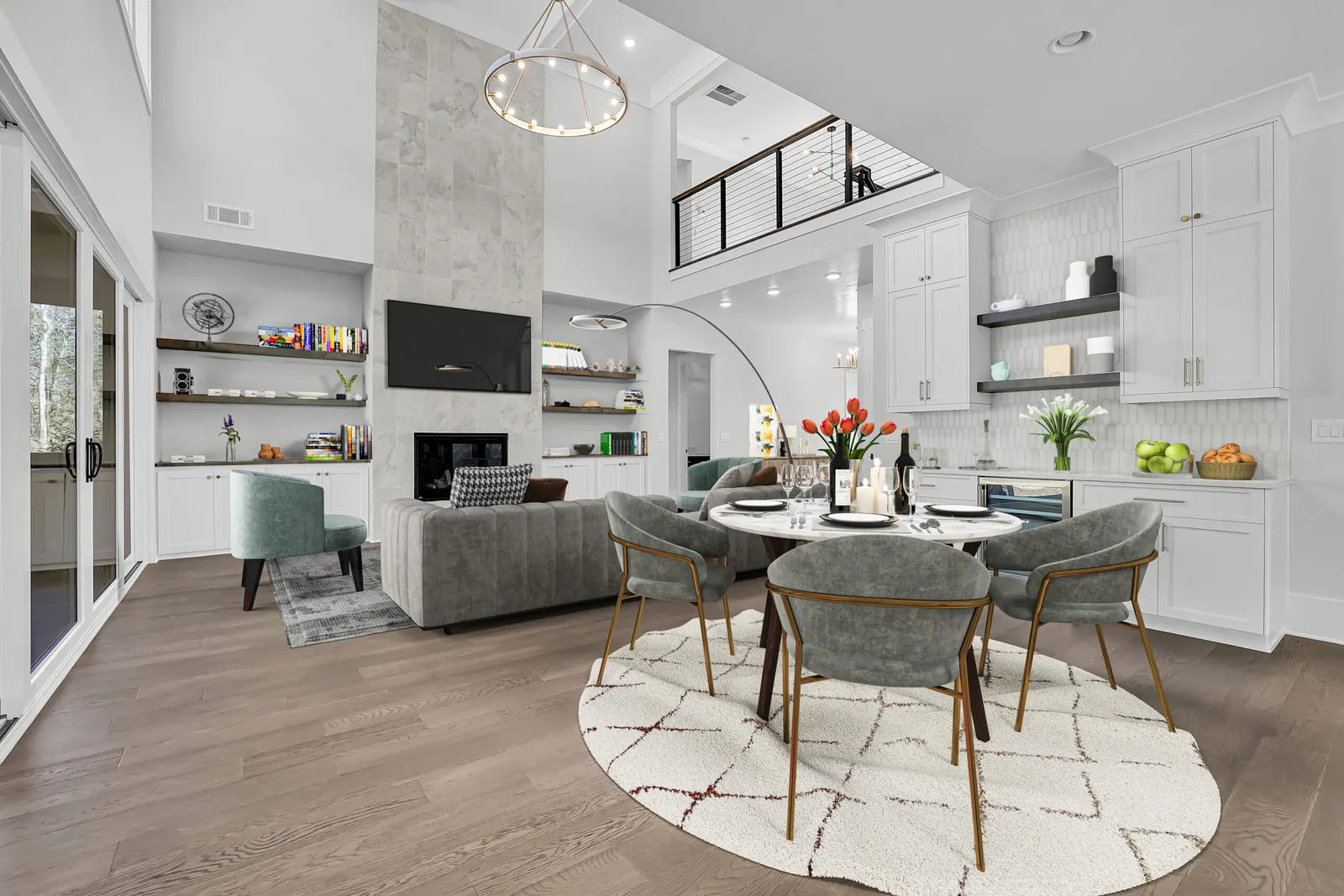
Our Skilled designers use advanced software to digitally insert furniture and decor into the chosen images. Attention to detail is crucial to creating a realistic and aesthetically pleasing virtual staging.
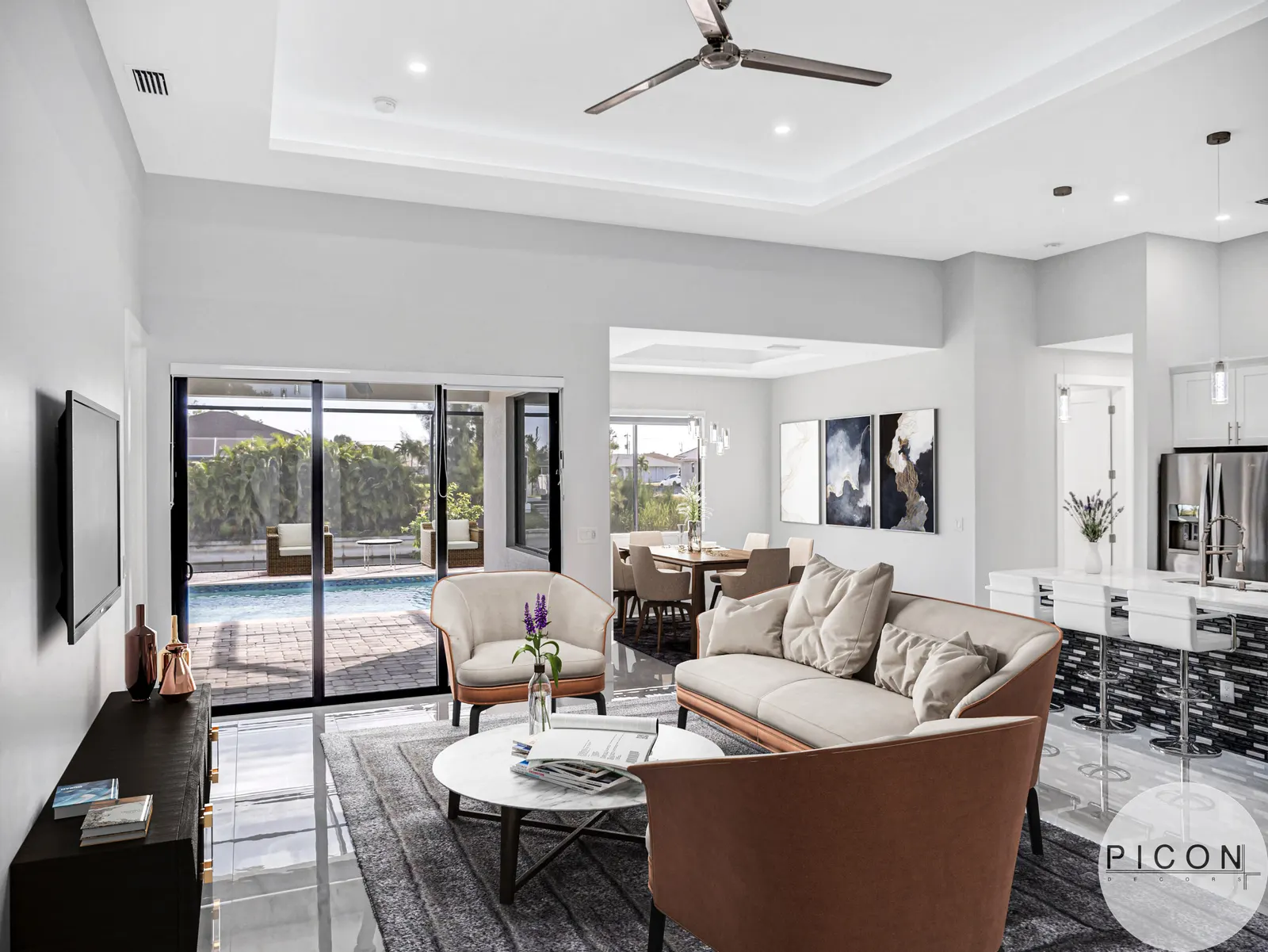
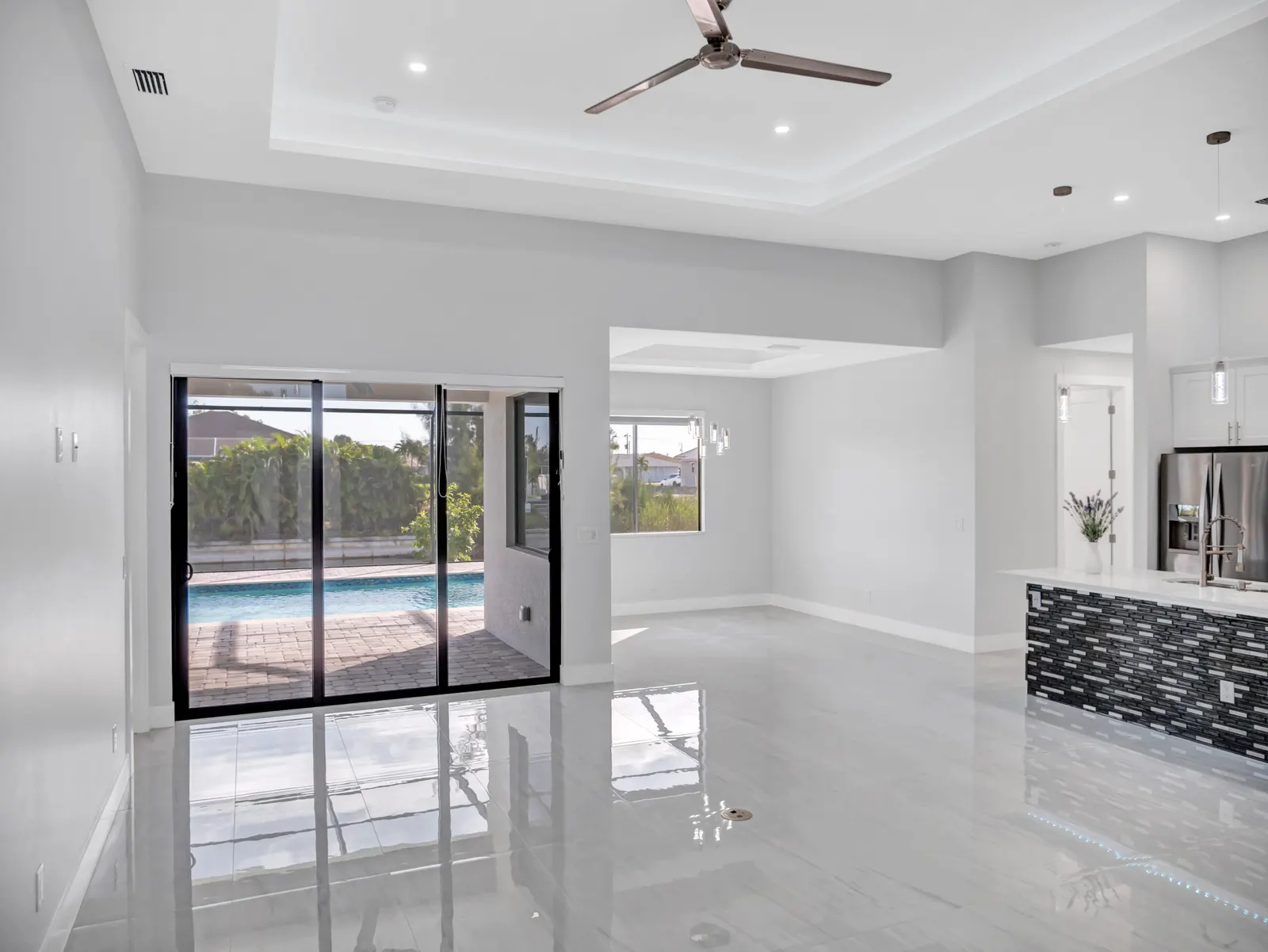
CHOOSE FURNITURE AND DECOR
Based on the property information and client preferences, select appropriate furniture, decor items, and accessories to virtually stage the rooms. Consider the style of the property and the target demographic when making these choices.
POSITION AND ARRANGE FURNITURE
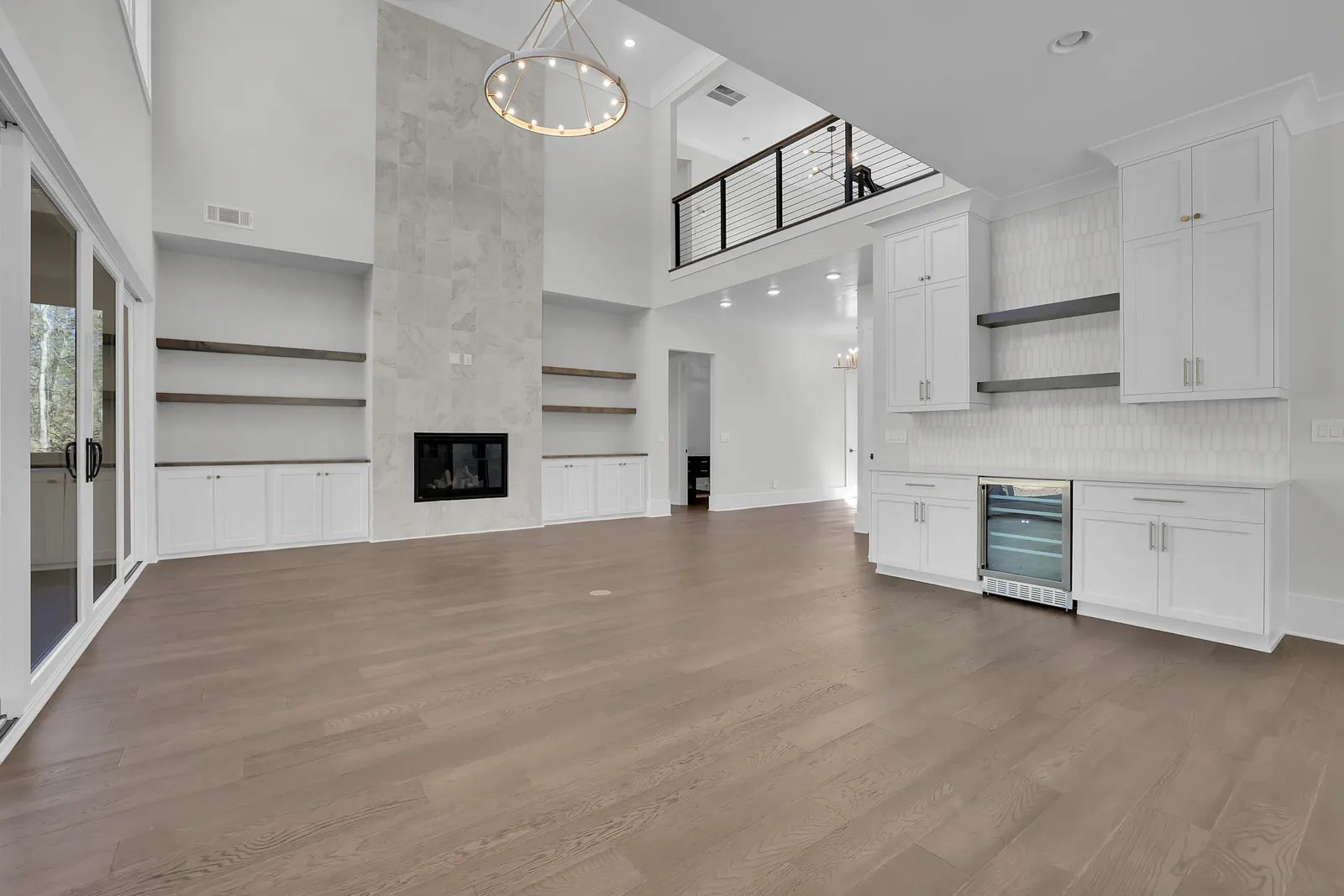
Use the software's tools to position and arrange the selected furniture and decor items within the empty rooms. Pay attention to scale, proportions, and aesthetics to create a realistic and appealing virtual staging.
ADJUST LIGHTING AND SHADOWS
Fine-tune the lighting and shadows within the virtual staging to match the original photograph's lighting conditions. This step helps to enhance the realism of the staged images.
ROOM MEASUREMENT AND SCALING
Measure the dimensions of the rooms in the property and input them into the virtual staging software. Ensure accurate scaling to maintain realistic proportions when adding virtual furniture and decor.
TEXTURE AND MATERIAL RENDERING
Apply textures and materials to the virtual furniture and decor items to mimic real-world materials such as wood, fabric, or metal. This adds to the realism of the virtual staging.


Have any question
Frequently Asked Questions
We have a global team of gurus working 24 hours, 7 days a week to deliver your photos on time.
We have a 100% satisfaction promise in our Unlimited Change Guarantee. We promise to make as many changes as needed within one day of the original job, to get your photos looking 100%.
After we finish your edits, we will store them for a minimum of 30 days. To ensure you have a lasting copy, kindly download and save the files to your own system.